MAG BOX IPTV SETUP GUIDE

Set Up KING TV On Your MAG Box

Use this guide when your activation email contains a portal URL and your MAG box must be registered with its MAC address. Keep the email open and enter every character exactly as supplied.

Start MAG Setup Contact Support

Large readable steps
Portal and MAC setup
Support available 24/7

PORTAL DEVICE
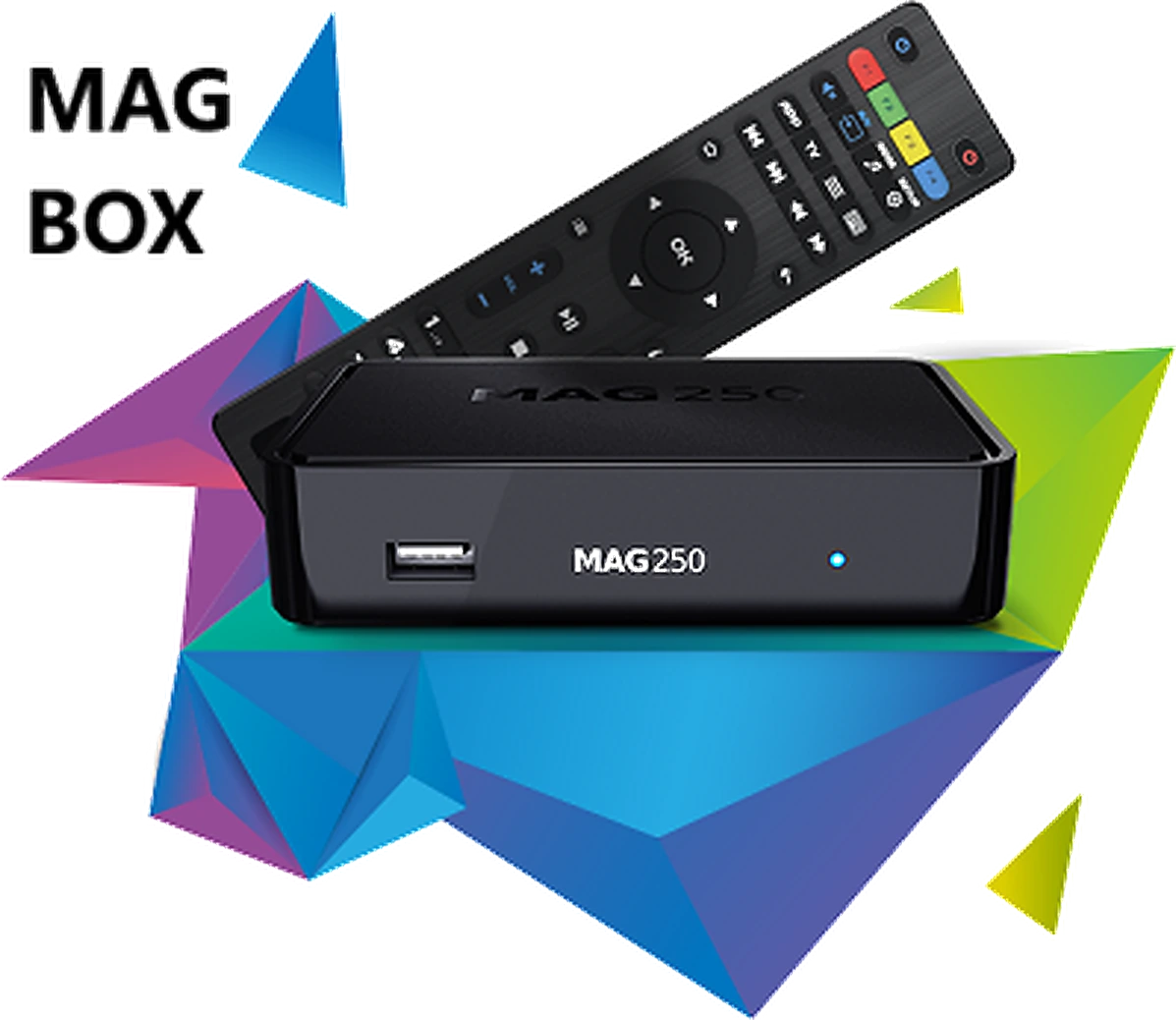
MAG box and remote for KING TV IPTV setup
You Will Need Two Details
Your MAG MAC address and the exact portal URL from the KING TV activation email.
BEFORE YOU CHANGE ANY SETTINGS

Keep These Four Things Ready

Most MAG setup problems come from entering the wrong MAC address, using the wrong login method or typing the portal URL incorrectly.

1

Your MAG Box

Connect the box to the television and internet. Ethernet is preferred when available.

2

Your Remote Control

Make sure the remote batteries work because you will need the arrow, OK, back and keyboard buttons.

3

Your Activation Email

Keep the portal URL open on another device so you can copy it exactly, including http:// or https://.

4

Your MAC Address

Support must register the correct wired or device MAC address before the portal can load.

Already Ordered?
Reply to the KING TV order confirmation email with the MAG MAC address. Do not send a serial number, Wi-Fi password or television model instead.

USE THE CORRECT LOGIN TYPE

Check What Your Activation Email Contains

A normal Linux MAG box uses a portal URL and MAC address. Do not place username and password values into the portal field.

ANDROID MAG MODELS

Username, Password And Server

Some Android TV based MAG devices can use player apps. Open the Android guide and use IPTV PRO where supported.

Open Android Guide
NOT A PORTAL LOGIN

M3U Playlist Only

Do not paste a normal M3U playlist into the MAG Portal URL field. Contact support so the correct setup method can be confirmed.

Ask Support
STEP 1

Find And Send The Correct MAC Address

The MAC address identifies the box. It normally appears as six pairs of letters and numbers separated by colons.

1

Check The Label Under The Box

Look for MAC, Ethernet MAC or Device MAC. Do not send the serial number.

2

Or Open Device Information

Open Settings or System Settings and look for Device Info, System Information or Network Information.

3

Reply To Your Order Email

Send the full MAC address exactly as displayed so KING TV can register the device.

EXAMPLE FORMAT
00:1A:79:12:34:56
Your real address will be different. Never copy this example.

MAG IPTV set top box

Use The Device MAC Shown By Your Box
Some models display more than one network address. Use the address requested by support, usually the Ethernet or device MAC.
STEP 2

Enter The Portal URL Exactly

The wording can vary slightly by model, but the standard menu path is System Settings, Servers, then Portals.

MENU PATH

Open The Portal Settings

Menu

Settings

System Settings

Servers

Portals
Cannot See System Settings?
Press the SET, SETUP or gear button on the remote. Some models open the embedded portal settings from a different button.
1

Open Portal 1 Name

Enter KING TV or another short name that helps you recognise the service.

2

Open Portal 1 URL

Delete the existing address before entering the portal supplied in your activation email.

3

Type The Complete Address

Include http:// or https://, the full domain, any port and the complete ending path exactly as provided.

4

Save And Exit

Press OK to save. Remove accidental spaces before or after the portal URL.

EXAMPLE ONLY
http://example.link/c/
Do not use the example above. Enter the unique portal from your own KING TV email.
STEP 3

Restart The Portal And Wait For It To Load

Give the box time to contact the portal. Avoid repeatedly pressing buttons while the loading screen is visible.

1

Choose Reload Portal

Select Reload Portal, Restart Portal or Exit and Reboot, depending on the menu shown by your model.

2

Restart The Box

If no reload option is shown, switch the MAG box off, wait 20 seconds and power it on again.

3

Wait For The Portal

The first load can take longer while the box downloads the menu, categories and channel information.

4

Open A Channel

When the television menu appears, select a category and open a channel to confirm playback.

Empty Channel List On An Older MAG Interface?
First reload the portal and reboot. On some older menus, pressing 1 and then OK from the channel screen can refresh the list. Use this only when your model responds to that command.

USE THE CORRECT FIX

Solve MAG Box Problems Without Starting Again

Check the matching problem below before resetting the device or changing firmware.

PORTAL NOT LOADING

Check Every Character

Confirm the full portal URL, including the scheme, port and final path. Remove spaces and reboot the portal.

DEVICE NOT AUTHORISED

Verify The MAC Address

Reply to the order email with a photo or screenshot of the MAC shown by the box so support can compare it.

SLOW OR FROZEN

Restart The Network

Restart the MAG box and router. Use Ethernet instead of Wi-Fi where practical.

PORTAL TOO LARGE

Reduce Unneeded Countries

Older MAG models can struggle with very large lists. Tell support which countries you need so unused groups can be removed.

WORKS ON HOTSPOT

Check The Home Network

If the portal works through a mobile hotspot but not home internet, open the KING TV connection help page.

Open Connection Help
ANDROID MAG DEVICE

Use IPTV PRO Where Supported

If the device runs Android TV and your email contains username, password and server details, IPTV PRO is the recommended starting app.

Open IPTV PRO Guide

Do Not Factory Reset Or Install Unofficial Firmware As A First Fix
A reset removes saved network and portal settings. Contact support before changing firmware or recovery settings.

MAG BOX SETUP QUESTIONS

MAG Box IPTV Setup FAQ

Open a question to view the answer.

What information does a MAG box need?

A standard Linux MAG box normally needs a portal URL and a registered MAC address. Use the exact values supplied for your KING TV order.

Where do I enter the portal URL?

Open System Settings, Servers and Portals. Enter the address in Portal 1 URL, save it and reload the portal.

Why does the portal say the device is not authorised?

The registered MAC address may not match the box. Reply to your order email with the MAC shown by the device and a photo when possible.

Should I use the Ethernet MAC or Wi-Fi MAC?

Use the address requested by support. For many standard MAG portal setups this is the Ethernet or device MAC, but some models display several addresses.

Why is the portal URL rejected?

Check that it includes http:// or https:// and that any port and final path are present. Delete spaces before and after the address.

Why is my MAG box slow after the portal loads?

Restart the box and router, use Ethernet where possible and ask support to reduce unused countries if the channel list is too large for an older model.

Can I use IPTV PRO on a MAG box?

Traditional Linux MAG boxes use a portal. Some newer MAG devices run Android TV and can use IPTV PRO when the KING TV email contains username, password and server details.

Does KING TV renew the subscription automatically?

No. KING TV subscriptions are manually renewed. No automatic renewal charge is taken.

STILL NOT CONNECTING?

Send The Device Model, MAC Address And Portal Error

Include the exact MAG model, the MAC shown by the box, a photo of the error and whether the portal works through a mobile hotspot. This helps support identify the correct fix faster.

Contact Support View All Tutorials View Plans